Email’s the go-to for small business owners hunting reliable email vendors for small business. Folks hit 4.6 billion users worldwide, firing off 376 billion messages daily. That’s heaps zipping everywhere.
Small crews depend big-time — 81% grab customers through email, 80% keep ’em loyal that way. Workers slog through 121 incoming business emails, shoot about 40 out. Downtime bites sharp.
Breaches smack tough, 43-46% of attacks target small outfits. Branded addresses score huge — most folks trust ’em heaps more than generic stuff. Snagging solid email vendors for small business nails pro looks, steady uptime, smooth scaling, solid security.
Why a Reliable Email Vendor Matters?
Email is the main channel of communication for small businesses. It is essential for interactions with clients and managing internal tasks. So, the choice of a trustworthy email vendor is a necessity.
Here are some reasons why it’s so important.
Professionalism
Every small business needs a professional email domain. It helps you establish trust with clients and partners. Reliable vendors offer you the tools to set up custom domains effortlessly.
This will help you make a strong first impression. As Kevin McCarthy, Former Speaker of the United States House of Representatives, said
“My belief is you have one chance to make a first impression.”
A polished email presence makes you appear more legitimate.
Consistent Uptime
Downtime can disrupt workflows and damage customer relationships. A dependable provider ensures high uptime rates. This means your communication channels will always be accessible.
Many businesses enhance their email systems by integrating them with CRM software to track customer interactions and maintain comprehensive communication histories.
This reliability is important when managing critical business operations.
Trustworthy courier services can complement these email solutions by ensuring the secure and timely delivery of critical documents and equipment necessary for smooth business operations.
Business continuity isn’t just a nice-to-have anymore – it’s absolutely essential for maintaining your reputation in today’s always-on marketplace. When your systems go down, customers don’t just wait patiently; they start questioning your stability and exploring competitors who might be more dependable.
Smart companies are investing in redundant systems and backup protocols that kick in automatically when issues arise, preventing those painful explanation calls to frustrated clients.
Scalability
A good email provider supports your business’s growth. They’ll ensure seamless expansion when you’re
- Adding new employees;
- Integrating with CRM tools;
- Upgrading to accommodate higher volumes of communication.
Security for Sensitive Data
You’ll often need to handle sensitive customer data or financial information. A trustworthy vendor provides strong security features, like
- Encryption;
- 2FA;
- Spam filtering, etc.
It’s important because a security breach can result in lost trust and legal issues.
Advanced Collaboration Tools
Modern vendors offer more than just email management. They also provide features like task management, cloud storage, and much more. These tools are especially valuable for small teams that need to handle multiple responsibilities.
Top 8 Best Vendors for Small Business
You already know why finding a reliable email vendor is so important for small businesses. It allows you to maintain professional communication and ensure data security.
Finding the best provider can be hard, with so many alternatives available. So, we gathered the best options here to help you make a decision.
1.Google Workspace

Google Workspace is one of the most popular productivity and email platforms for different businesses.
It offers custom email addresses with Google’s reliable Gmail platform. Also, it has built-in spam filtering and advanced email organization tools, like
- Labels;
- Filters;
- Priority inbox.
Plus, this platform is known for its security features, like 2FA and phishing protection. They offer 99.9% uptime for email and other services.
Beyond email management, Google Workspace has advanced collaboration tools and integrated video conferencing. It offers 3 pricing plans. So, you can easily pick the one that suits your budget.
Advanced collaboration tools within Google Workspace transform how teams interact, enabling real-time document editing where colleagues can simultaneously refine proposals while discussing changes in the embedded chat feature.
The platform’s seamless integration between services means you can instantly schedule follow-up meetings from email threads, automatically adding relevant documents and participants without tedious copy-pasting between apps.
For remote teams, the ability to create digital whiteboards that persist beyond meetings provides crucial visual context that prevents miscommunication and keeps projects moving forward even across different time zones.
2.Microsoft 365
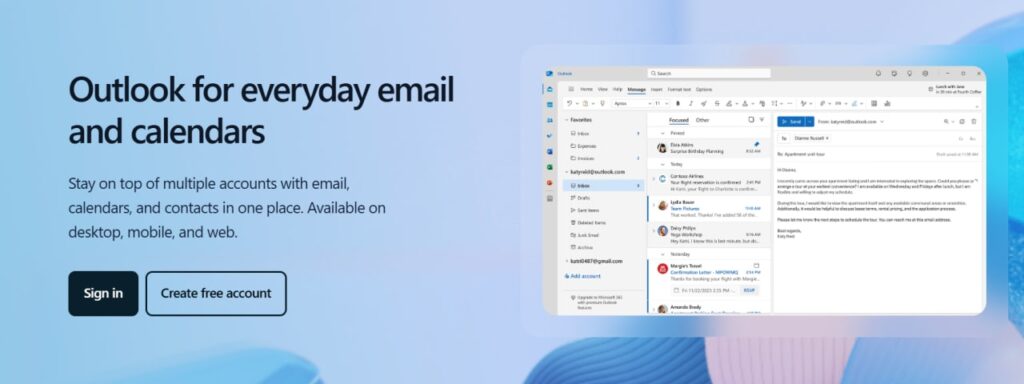
This platform is perfect if you’re already using Microsoft Office in your operations.
It allows you to create a custom email with Outlook. It provides a professional address using your business domain. Plus this platform offers advanced email features, like
- Focused inbox;
- Calendar integration;
- Strong spam filters.
You can easily work with your contacts, calendars, and tasks in one place. Plus, this platform offers intelligent reminders and strong security.
With tools such as email signature management Office 365, you can also ensure consistent branding and professionalism across all company emails.
The seamless integration between Microsoft’s email services and other Office applications creates a unified workflow that significantly reduces the time spent switching between different tools and platforms throughout the workday.
Advanced collaboration features like shared calendars, real-time document editing, and integrated video conferencing make it particularly valuable for teams that need to coordinate complex projects and maintain consistent communication across departments.
Microsoft has different plans for all needs, starting at $6 per user/month. It easily scales as your business grows and provides 24/7 support for any issues.
3.Zoho Mail
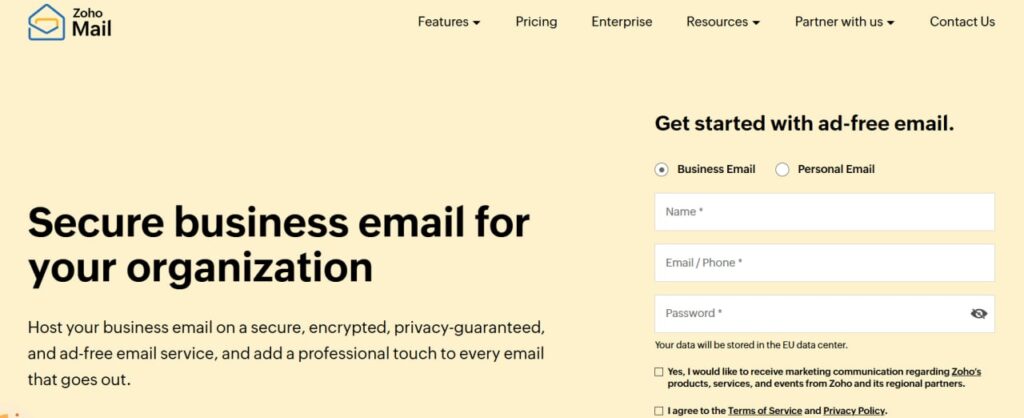
The next option we want to highlight is Zoho Mail. It is a popular choice for small businesses that want a professional and budget-friendly email solution.
Some of the features it can offer you are
- Custom domain emails;
- Hosting for multiple domains;
- Routing and email sharing;
- Offline access;
- Shared calendars;
- SecurePass code for messages, and much more.
The best thing about Zoho Mail is that it has a free plan with most of these features available. Plus, you can pick between two other subscriptions that offer more storage and even higher security.
4.Fastmail

Fastmail is a reliable and privacy-focused email vendor. It’s less showy than some competitors. Yet, it excels in simplicity and protecting user data.
This platform has a user-friendly interface. So, you can easily manage all emails, contacts, and calendars. Plus, it works great on desktop and mobile devices.
Fastmail puts an emphasis on user privacy. It does not serve ads or track user activity. Your data is yours and remains safe all the time.
This platform offers simple and affordable pricing plans starting at $3 per user per month. Depending on the subscription you choose it includes
- From 6 GB of storage per user;
- Custom domain support;
- Shared calendars;
- Integration with third-party apps;
- Email retention archive, etc.
5.Titan Email
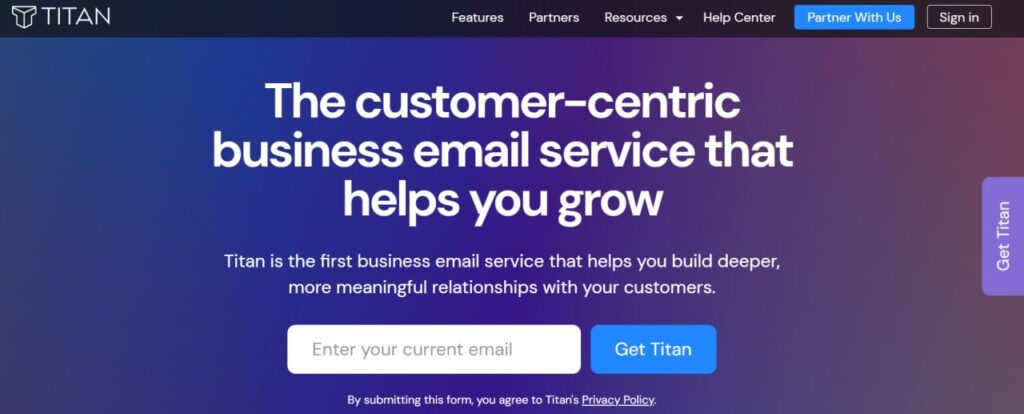
Another option we want to highlight is Titan Email. It is an emerging email service created for small businesses.
It offers all kinds of tools to build impactful connections with your clients. Here are some of the features this platform has:
- Read receipts;
- Scheduled sends;
- Email templates;
- Shared calendars;
- Integrated contact management, etc.
Titan email has different partners that offer diverse pricing plans for all kinds of budgets.
6.ProtonMail

This alternative is an email provider that mostly concentrates on privacy. It is an ideal choice for small businesses that focus on data security and compliance.
ProtonMail allows you to set up custom email addresses just like all the previous options. It offers a clean and intuitive interface that is accessible on different devices.
Your data will be protected by strict privacy standards, and all the emails are encrypted. Plus, this platform has advanced filtering tools that can prevent unwanted emails and spam.
This platform offers three pricing plans for businesses. They differ in storage limits, number of domains, and protection measures.
Amazon SES
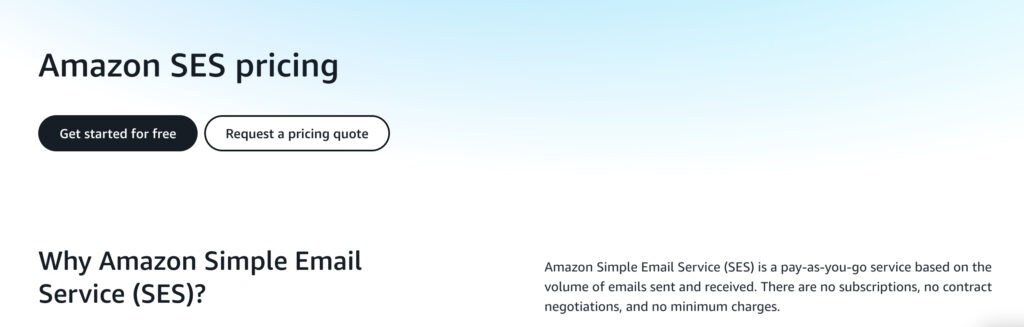
Amazon Simple Email Service (SES) handles high-volume transactional or marketing emails on a pay-as-you-go basis—dead cheap next to fancy marketing suites, but yeah, it demands real setup grit.
Outbounds run $0.10 per thousand, attachments add $0.12 per GB, and big senders see rates dip lower. Free tier kicks in up to 3,000 messages monthly for the first year on older accounts; new ones post-July 2025 snag up to $200 credits usable quickly. It scales wild—from hundreds to billions—riding Amazon’s own beastly infrastructure. Deliverability shines with Virtual Deliverability Manager dishing granular inbox stats and fixes. Hooks tight into AWS bits like Lambda for triggers, S3 storage, CloudWatch watches.
Setup gets fiddly though: domain checks via DKIM and SPF, plus IAM fiddling. Fresh accounts kick off sandboxed—restricted sends, need a solid case to bust out for full throttle. No drag-and-drop builder means coding templates yourself or grabbing third-party help. Basic support’s skimpy; decent help costs extra via paid plans. Reputation’s brutal—bounce over 5% or complaints past 0.1%, and they might freeze sends cold.
Postmark
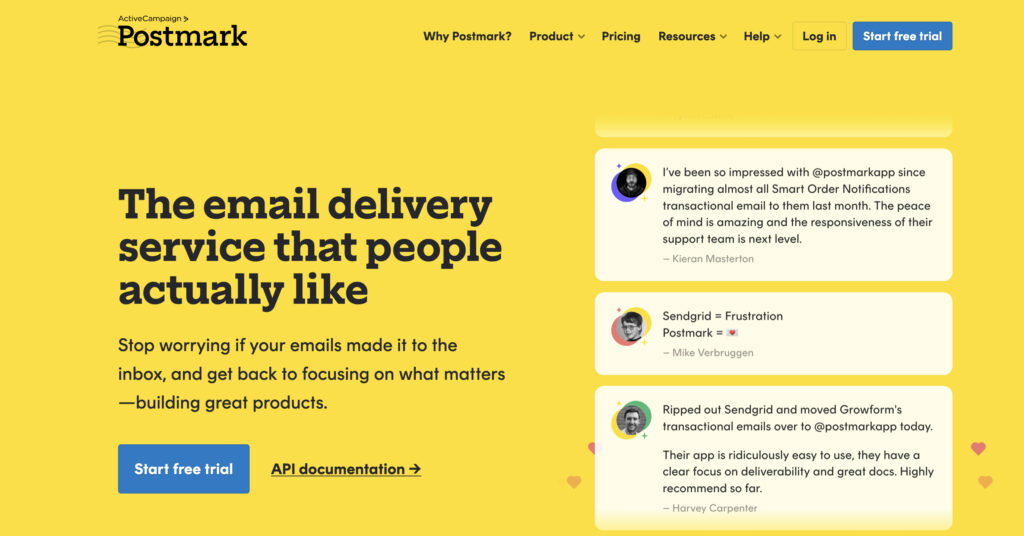
Postmark shines as a top pick for transactional emails — think password resets, order receipts, that sorta stuff — thanks to killer deliverability and speed.
It enforces tough anti-spam rules, pushing inbox rates sky-high, with 2025 tests hitting 93.8% steady, sometimes spiking to 98.7% in real-world runs, beating out budget rivals hands down. Developers dig the slick API, thorough docs, and painless hooks into spots like WordPress. You get a solid 45 days of full message logs and events on every plan, way more than most folks offer. The free tier sticks around forever at 100 emails a month, perfect for testing without commitment. Delivery zips fast, often landing in seconds flat.
Pricing bites harder though, kicking off around $15 monthly for 10,000 emails, with overages running $1.20 to $1.80 per thousand — steep next to Amazon SES at a dime per thousand. It skips fancy marketing tricks like A/B splits, drag-and-drop builders, or deep segmentation since transactional’s the main gig. Accounts can get yanked quickly over spam flags, no heads-up sometimes. No built-in SMS means juggling another service for texts. Support earns rave reviews for smarts and helpfulness, but it ain’t round-the-clock, and response times drag during busy stretches according to some 2025 feedback.
Below, we created a table comparing all the options we described to help you evaluate each one.
| Provider | Starting Price/month | Security | Collaboration Tools | Best For |
| Google Workspace | $6 | 2FA, phishing protection | Gmail, Drive, Meet, Calendar | Teams needing collaboration tools |
| Microsoft 365 | $6 | Advanced threat protection | Outlook, Teams, Office apps | Businesses using Office Suite |
| Zoho Mail | Free | Spam filtering, encryption | Mail, Calendar, Docs | Budget-conscious startups |
| Fastmail | $3 | Privacy-focused, no ads | Shared calendars | Privacy-focused individuals |
| Titan Email | Depends on a partner | Spam filters, encryption | Email templates, calendars | Small teams on a budget |
| ProtonMail | $7 | End-to-end encryption | Basic (focus on privacy) | High-security requirements |
| Amazon SES | Pay-as-you-go ($0.10/1,000 emails) | DKIM/SPF, reputation monitoring, Virtual Deliverability Manager | None (API-based, no built-in tools) | High-volume transactional senders |
| Postmark | $15 (for 10,000 emails) | Strict anti-spam, high deliverability tools | None (transactional-focused) | Mission-critical transactional emails |
How to Choose a Perfect Email Vendor?

You should approach the selection of email vendors for your business responsibly. There are many options available, even beyond those that we described.
So, now you probably want to know which points to consider before deciding. Here are the steps you have to take.
Evaluate Your Business Needs
Any decision should start with the assessment of your needs and goals. You have to understand what will benefit your business most before comparing the options. So, determine what your company requires from an email service:
- Custom domains;
- Advanced collaboration tools;
- Possibility for scaling;
- Strong security, or something else.
Consider Key Features
Next, you have to look at the features each vendor offers and decide which one will be the most useful for you. First, ensure they have enough storage capacity.
Also, consider the security features and quality of support they offer. Try to pick platforms with intuitive interfaces that all team members can easily use.
Prioritize Integration Capabilities
A good email vendor should integrate easily with other tools you use, like
- CRM software for managing customer relationships;
- Productivity tools (calendars, cloud storage, and project management apps);
- Marketing platforms for email campaigns, etc.
This aspect is really important as proper integration ensures your workflow will be smooth.
Review Your Budget
The next important point is how much you’re ready to spend. Evaluate your current budget and decide which part you can allocate.
Remember that free options may fulfill your basic needs, but they often lack advanced features. The paid plans we described above offer stronger functionality and better support.
Test the Service
Having a feel of email service will make the decision-making process easier. It allows you to use it in practice and evaluate if it meets your expectations.
Most email vendors offer free trials or demos. We recommend you use them to
- Evaluate the interface and ease of use;
- Test unique features of each platform;
- Assess the quality of customer support, and more.
It will give you an understanding of whether the vendor is worth your attention and investments.
Read Reviews
It may seem obvious, but we definitely recommend looking through the feedback of other users. Focus on recommendations from other small businesses to find a vendor faster.
It will help you understand the benefits and drawbacks of each provider. Plus, you’ll get to see the success stories of others and estimate if the solution will bring the same results to you.
Conclusion
Every small business needs a reliable email account and strong management. This channel is responsible for most communication within and outside the company. So, finding a reliable email vendor is a necessity.
Before making a decision, you need to clearly outline your needs and estimate your budget. Also, evaluate all the features and security measures each provider can offer.
Hope that our guide was helpful! Learn more about the vendors we described, and maybe you’ll find a perfect partner!